
Connections
Integrations & apps
Connect Calendly, Sheets, Calendar, Meet, Zoom, Facebook, IndiaMART and more. Your admin controls access.
From the first enquiry to the next follow-up. Preview a feature, then open your own CRM.
Connect Calendly, Sheets, Calendar, Meet, Zoom, Facebook, IndiaMART and more. Your admin controls access.
Keep names, phone numbers, interest, notes and the next step together.
Open conversations in one touch. Android call capture keeps matched device records with CRM contacts.
See today, upcoming and overdue conversations, then save the next follow-up.
Map your contact fields, review duplicates and connect authorised Sheets.
Reuse status messages. Team members can add templates with visible creator attribution.
Inspect call outcomes, contact status, lead sources and member performance.
Use alternate or custom repeat patterns, bulk distribution and duplicate review.
Track contacts through sales stages and apply configured follow-up workflows.
Connect your account and keep meeting participants linked with matching contacts.
Team Admin can customise a form, publish a link or embed it on a website to capture contacts.
Use verified Google identity or a saved device passkey to open your authorised workspace.
Download a recovery copy and review a saved backup before restoring.
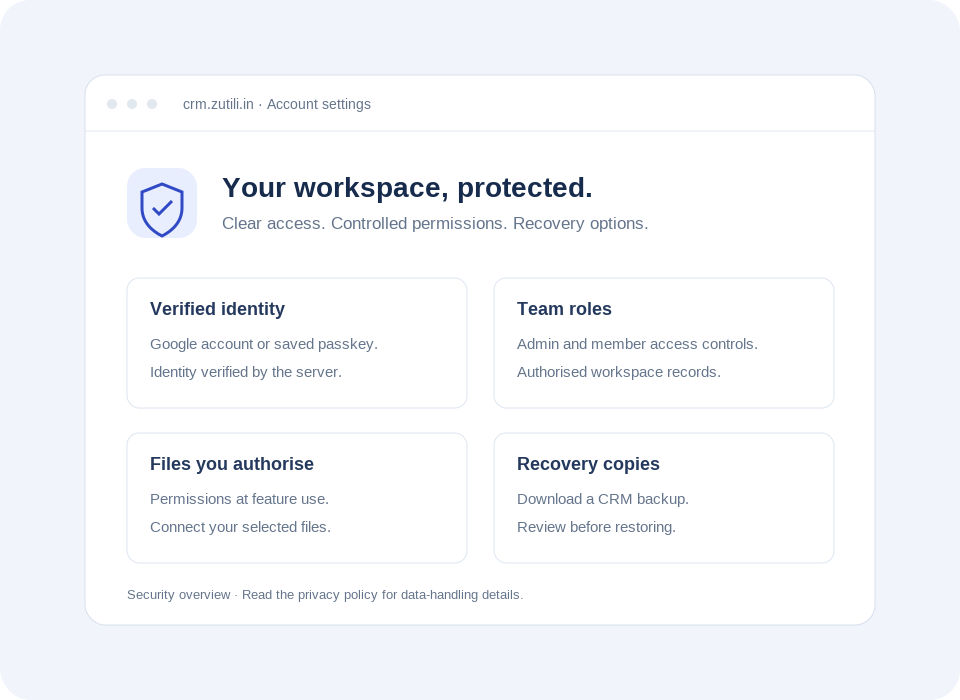
Clear account access, controlled team permissions and recovery options for your everyday CRM work.
Google identity and device passkeys are verified by the server.
Team roles control access to contacts, forms and administration.
Authorise the files and connections you choose to use.
Download your data and review saved recovery copies.
Follow these steps to set up your CRM and organise the next conversation.
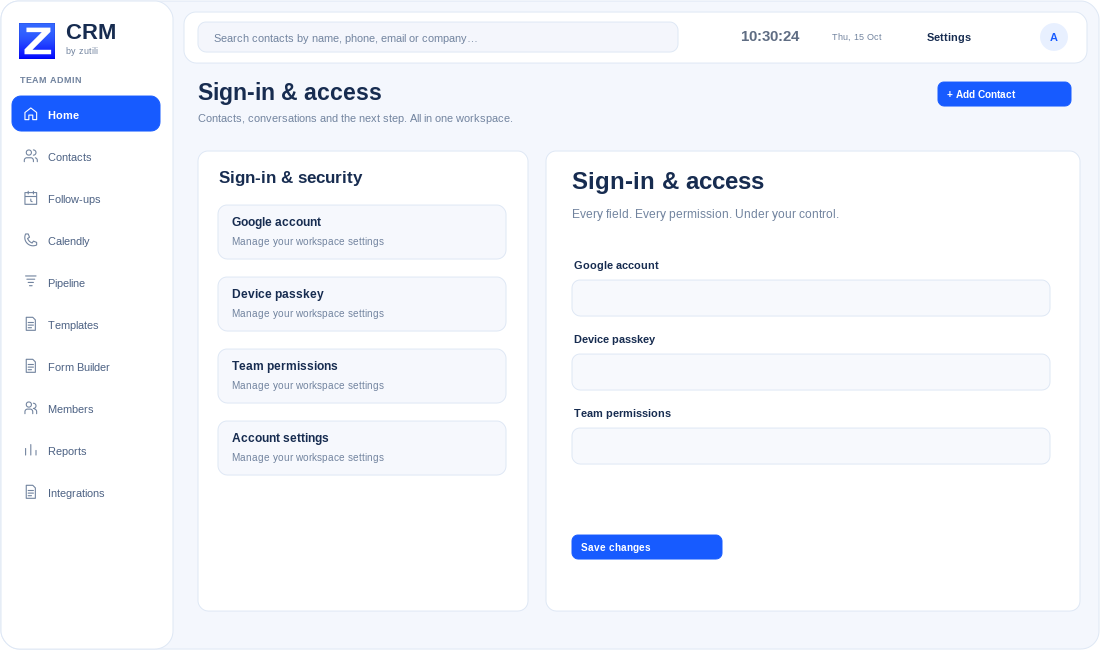
Use Google or your saved passkey to open your account.
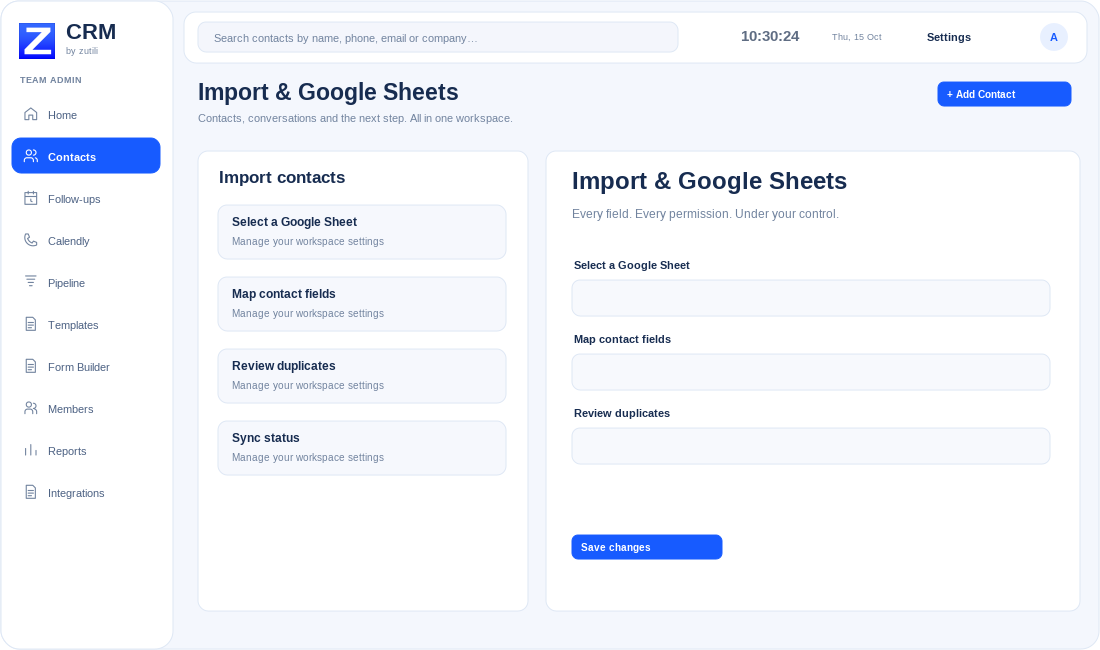
Add a contact, upload a supported file or connect a Google Sheet. Map Name, Phone and Email.
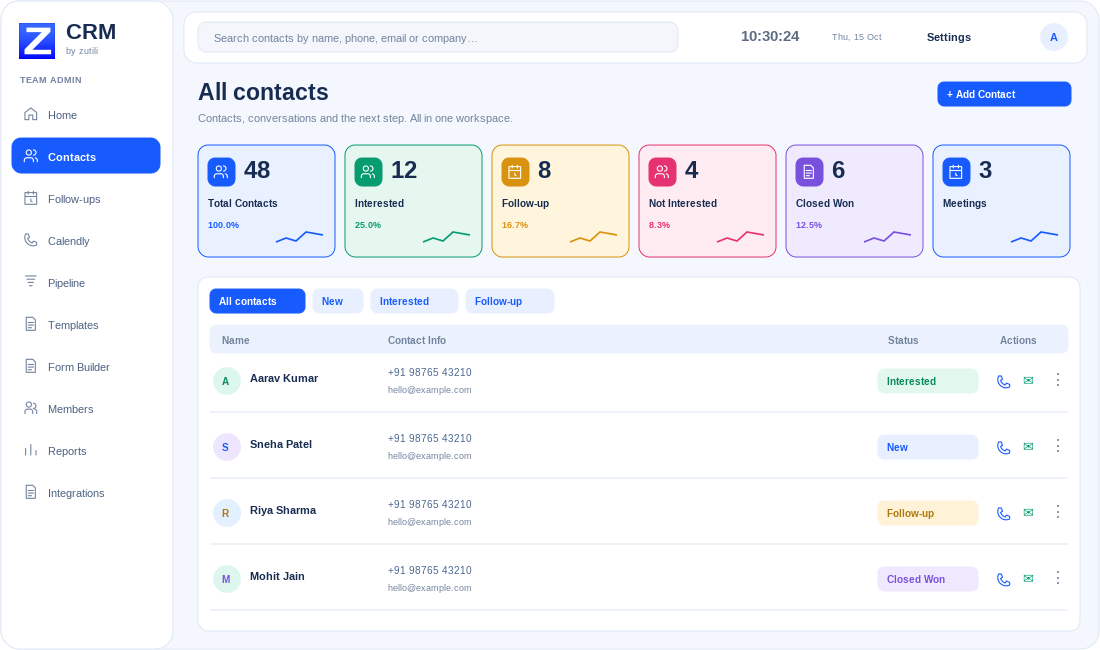
Open a contact and use Call, WhatsApp or Email. Capture notes and update the status.
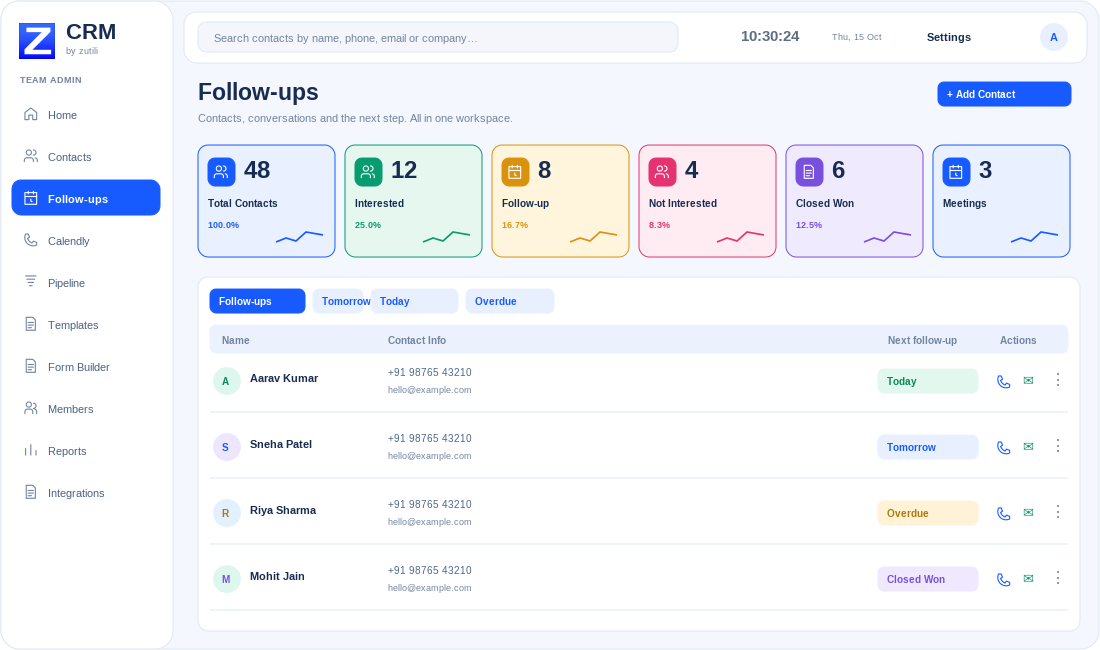
Choose a follow-up date, review reminders and keep the conversation moving.