
01
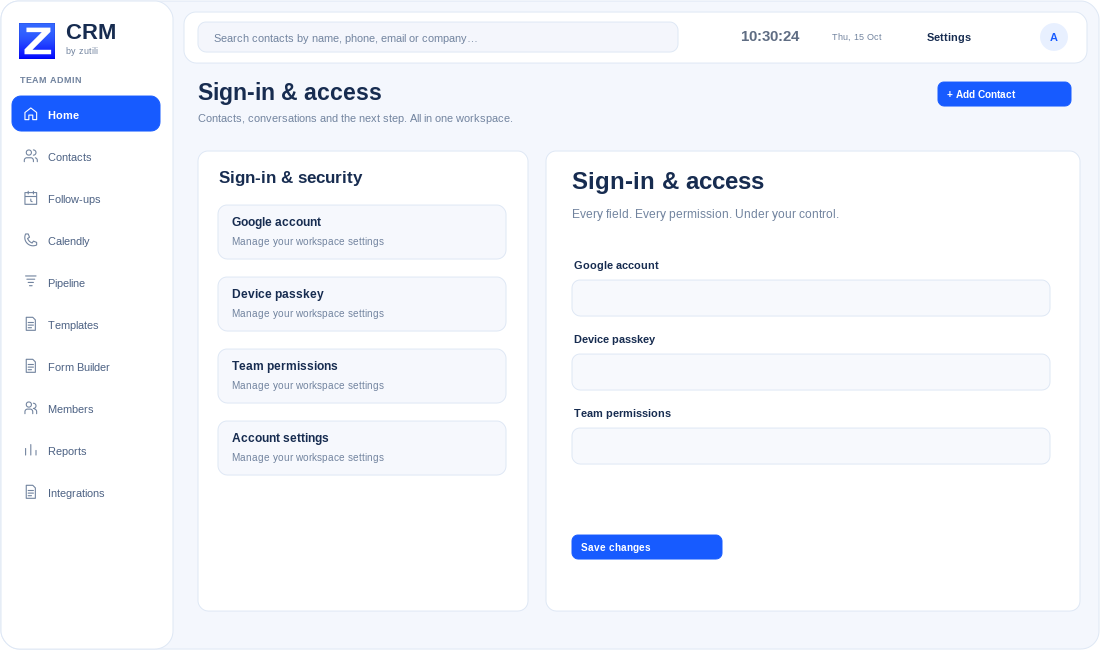
Sign in securely
Use Google or your saved passkey to open your account.
Follow these steps to set up your CRM and organise the next conversation.
Use Google or your saved passkey to open your account.
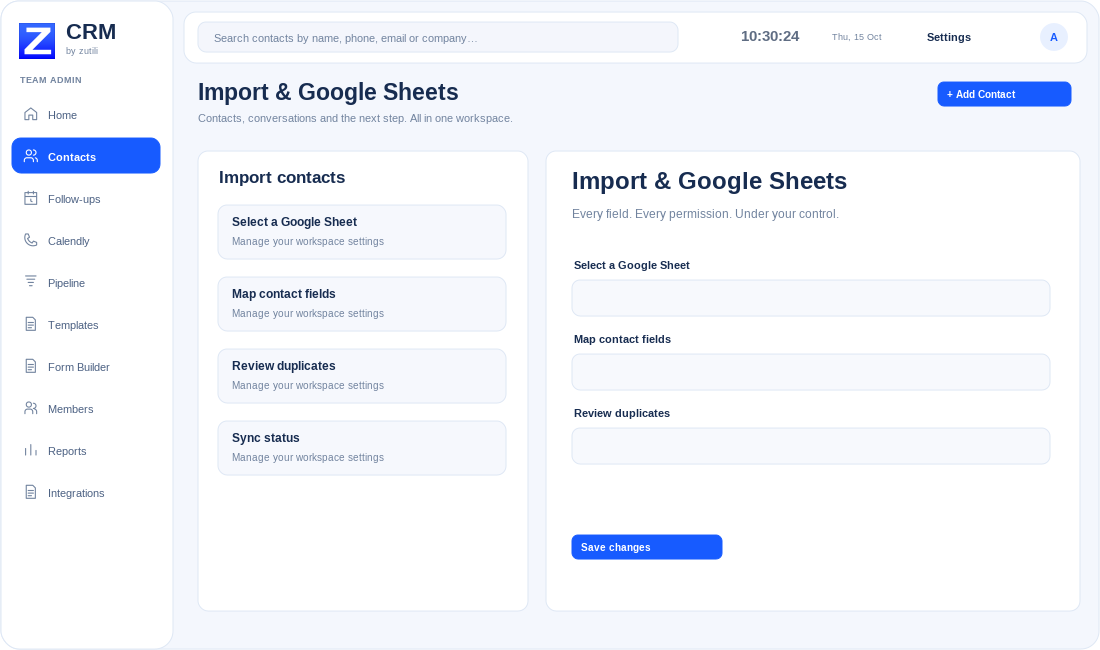
Add a contact, upload a supported file or connect a Google Sheet. Map Name, Phone and Email.
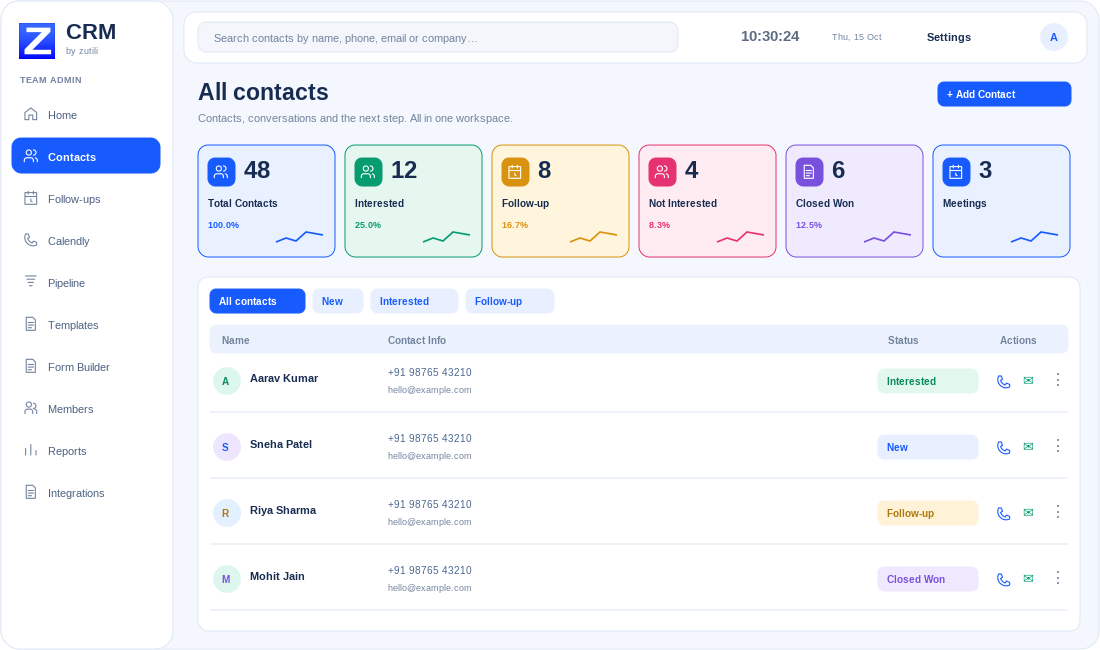
Open a contact and use Call, WhatsApp or Email. Capture notes and update the status.
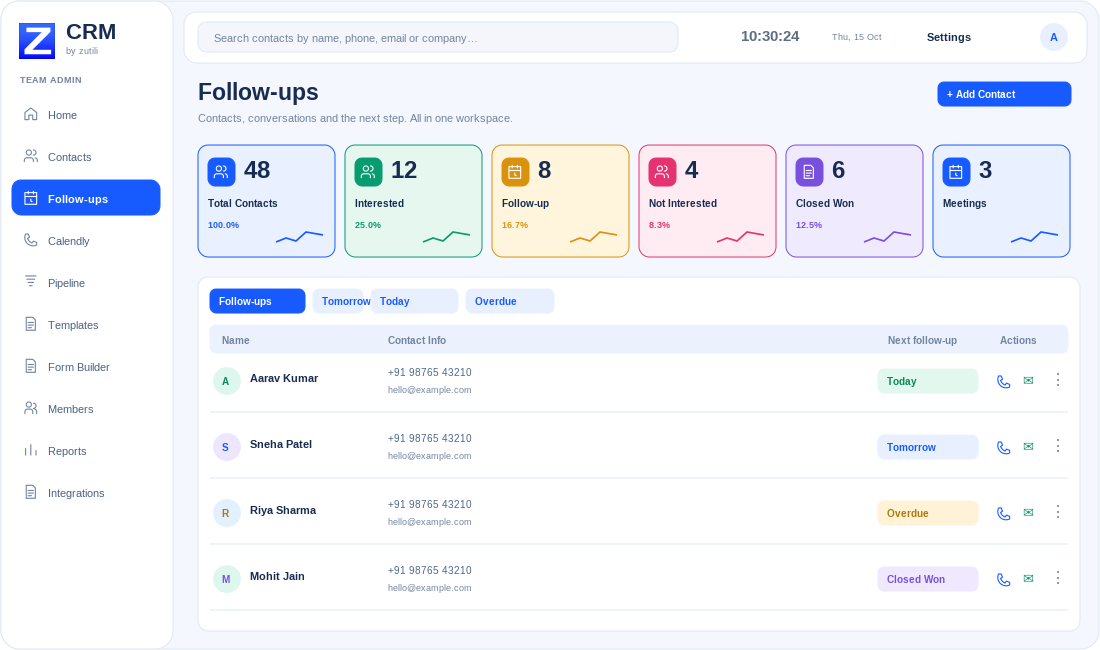
Choose a follow-up date, review reminders and keep the conversation moving.